DeskRemoteDeskRemote
Consent-based · visible · revocable需同意 · 可見 · 可撤銷

Remote access for devices you own or are authorized to administer只存取您擁有或明確獲授權管理的裝置

DeskRemote is consent-based remote desktop software controlled at the endpoint—not covert monitoring, not device unlocking, and not a human remote-repair service. Desktop apps combine Host and Viewer. Mobile apps are Viewer-only companions.DeskRemote 是由端點控制、以同意為前提的遠端桌面軟體,不是隱藏監控、裝置解鎖或人工遠端維修服務。桌面版整合 Host 與 Viewer;行動版僅為 Viewer。

Paid public sale is not open. Checking merchant and launch authority…公開付費販售尚未開放,正在檢查商家與上線授權狀態…

One policy, applications shaped by platform role同一套政策,依平台角色提供應用程式

Feature IDs and entitlement decisions are shared. Native capabilities remain truthful: desktop products can Host and View; iOS and Android are Viewer-only, and Web is Viewer-only.功能 ID 與授權判斷共用;原生能力不造假:桌面版可 Host 與 Viewer,iOS、Android 與網頁版只提供 Viewer。

Desktop Host + Viewer

Windows

One Microsoft Store product containing Viewer, attended Host, and the packaged unattended HostAgent companion. DeskRemote Server is separate and excluded.單一 Microsoft Store 產品包含 Viewer、有人值守 Host 與封裝的無人值守 HostAgent;DeskRemote Server 為獨立服務且不納入產品。

Desktop Host + Viewer

macOS & Linux

Integrated native desktop products. macOS requires Developer ID/notarization; Linux publishes verified hashes and truthful compositor support.整合式原生桌面產品。macOS 需 Developer ID 與 Notarization;Linux 公布可驗證雜湊並如實標示顯示系統支援。

Viewer-only

iOS, Android & Web

Free Viewer companions sign in and consume existing account entitlements. They do not expose Host mode or an in-app purchase CTA.免費 Viewer 伴隨程式登入後讀取既有帳號權限,不提供 Host 模式,也不放 App 內購買導流。

Built for real remote work為真實遠端工作而生

The mainstream remote-desktop feature set stays on Free. Pro sells commercial-use rights, scale, professional-grade quality and business workflow for one individual owner.主流遠端桌面功能全部留在 Free;Pro 為單一擁有者販售商業使用權、規模、專業級畫質與商務工作流程。

Encrypted by default預設加密

End-to-end encryption between endpoints and direct-first P2P connections are Free fundamentals, with relay fallback when networks block direct paths.端點之間端對端加密與直連優先 P2P 是 Free 基本能力;網路阻擋直連時自動改走中繼。

Responsive streaming流暢串流

Adaptive quality up to 60 FPS and multi-display workflows are included in Free. Pro unlocks H.265 / AV1 / 4:4:4 and custom rates above 60 FPS or 6 Mbps.Free 提供自適應畫質最高 60 FPS 與多螢幕工作流程;Pro 解鎖 H.265 / AV1 / 4:4:4,以及超過 60 FPS 或 6 Mbps 的自訂畫質。

Everyday tools日常工具

Text, image and file clipboard, resumable and whole-folder file transfer, two-way audio, session recording, privacy screen and Wake-on-LAN — all on Free — plus a browser Viewer for machines you cannot install on.文字、圖片與檔案剪貼簿、可續傳與整資料夾檔案傳輸、雙向音訊、工作階段錄影、隱私畫面與 Wake-on-LAN——全部包含在 Free——以及免安裝的瀏覽器 Viewer。

Free is a complete product; Pro sells rights, scale and professional qualityFree 是完整產品;Pro 販售使用權、規模與專業畫質

The server owns the entitlement decision. UI visibility, download links, and browser success pages never grant Pro.權限判斷由伺服器掌控;UI 顯示、下載連結與瀏覽器成功頁都不能直接授予 Pro。

Free

Loading the current Free limits from DeskRemote’s product catalog…正在從 DeskRemote 產品目錄載入 Free 方案限制…

  • Loading what Free includes from DeskRemote’s product catalog. If this list stays empty, scripting is blocked in your browser — the same catalog is published as data at /api/public/personal-features and rendered on the Pricing page, and the binding Free/Pro definition is in the Terms of Service and the EULA.正在從 DeskRemote 產品目錄載入 Free 包含的內容。若清單持續空白,代表瀏覽器停用了指令碼——相同目錄也以資料形式發佈於 /api/public/personal-features 並呈現在方案頁,具拘束力的 Free/Pro 定義見服務條款EULA

Pro

Loading the current Pro limits from DeskRemote’s product catalog…正在從 DeskRemote 產品目錄載入 Pro 方案限制…

  • Loading what Pro adds, from DeskRemote’s product catalog. If this list stays empty, scripting is blocked in your browser — the same catalog is published as data at /api/public/personal-features and rendered on the Pricing page, and the binding Free/Pro definition is in the Terms of Service and the EULA.正在從 DeskRemote 產品目錄載入 Pro 額外提供的內容。若清單持續空白,代表瀏覽器停用了指令碼——相同目錄也以資料形式發佈於 /api/public/personal-features 並呈現在方案頁,具拘束力的 Free/Pro 定義見服務條款EULA

How commercial access works商業授權流程

Two purchase channels feed one server-owned entitlement ledger. Windows production publication, commerce, and updates are Microsoft Store-owned; online subscription checkout is hosted by a third-party payment processor and stays closed until merchant and launch gates pass.兩條購買通道匯入同一套由伺服器掌控的權益帳本。Windows 正式發佈、商務與更新由 Microsoft Store 負責;線上訂閱結帳由第三方金流服務商代管,在商家與上線 Gate 通過前維持關閉。

1

Install the correct platform role安裝正確的平台角色

Desktop installs Host + Viewer. Mobile installs Viewer only.桌面版安裝 Host+Viewer;行動版只安裝 Viewer。

2

Purchase through Microsoft Store or subscribe online透過 Microsoft Store 購買或線上訂閱

Store checkout stays disabled until the exact listing, package, purchase, restore, refund, and update gates pass. Online subscription runs through a third-party payment processor and opens only after the merchant identity and checkout gates pass — this site never handles raw card data.商店結帳在精確商店頁面、套件、購買、還原、退款與更新 Gate 通過前維持關閉;線上訂閱透過第三方金流服務商進行,需商家身分與結帳 Gate 通過才開放——本網站絕不經手卡號。

3

Server verifies and grants capability伺服器驗證並授予能力

Verified Store ownership or processor webhook → entitlement ledger → effective capability → client refresh.已驗證商店所有權或金流 Webhook → 權益帳本 → 有效能力 → 用戶端更新。

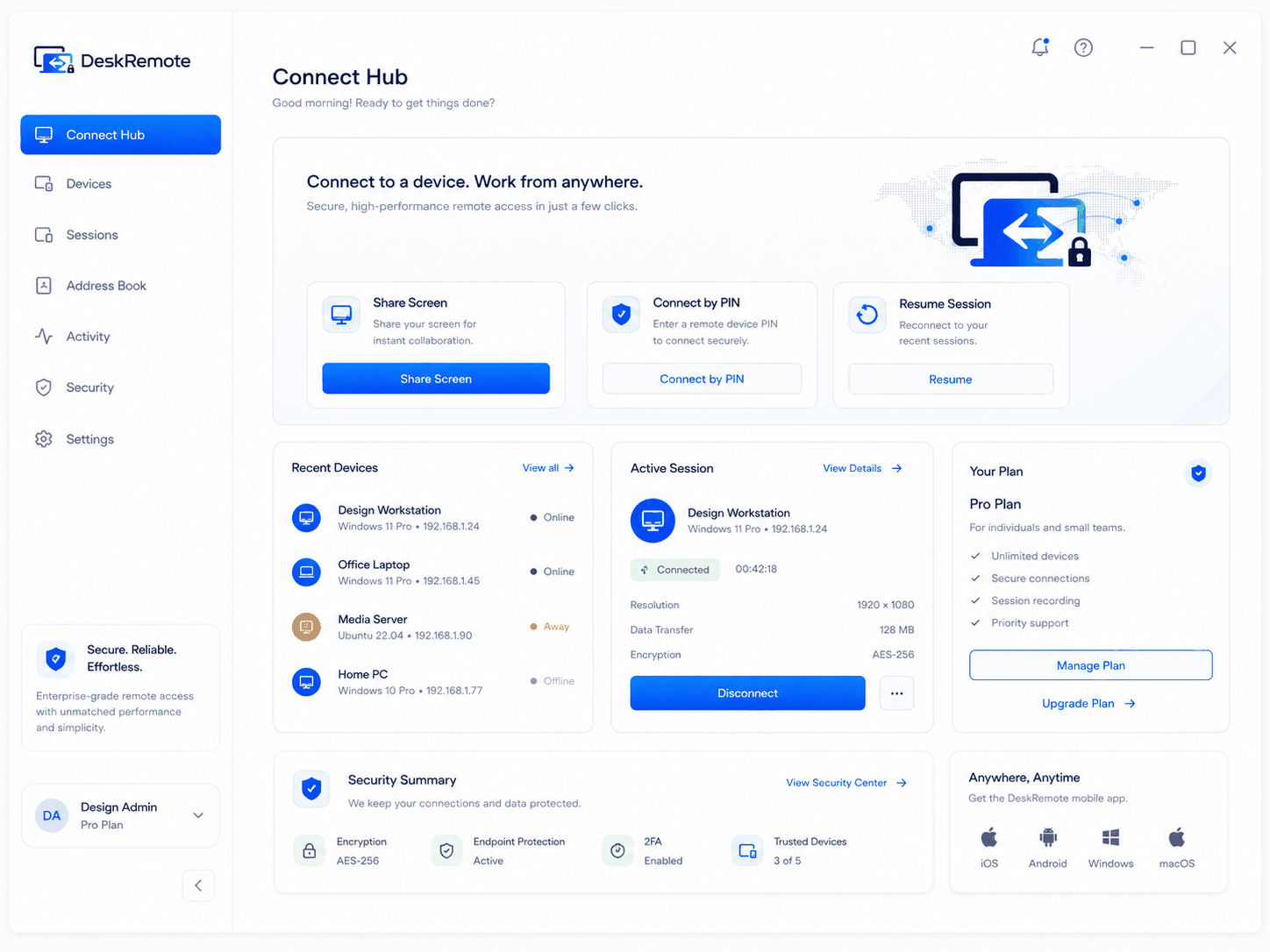
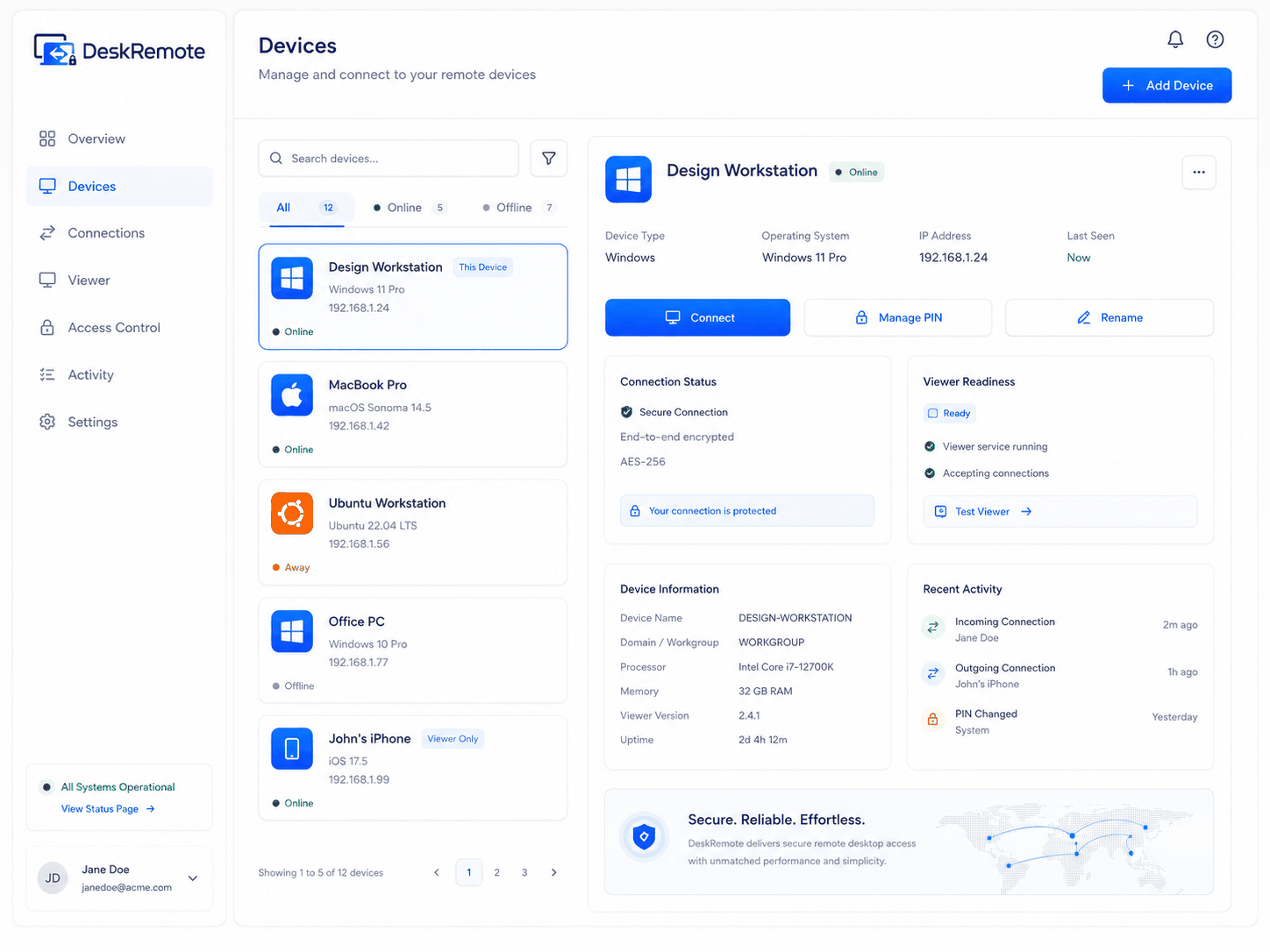
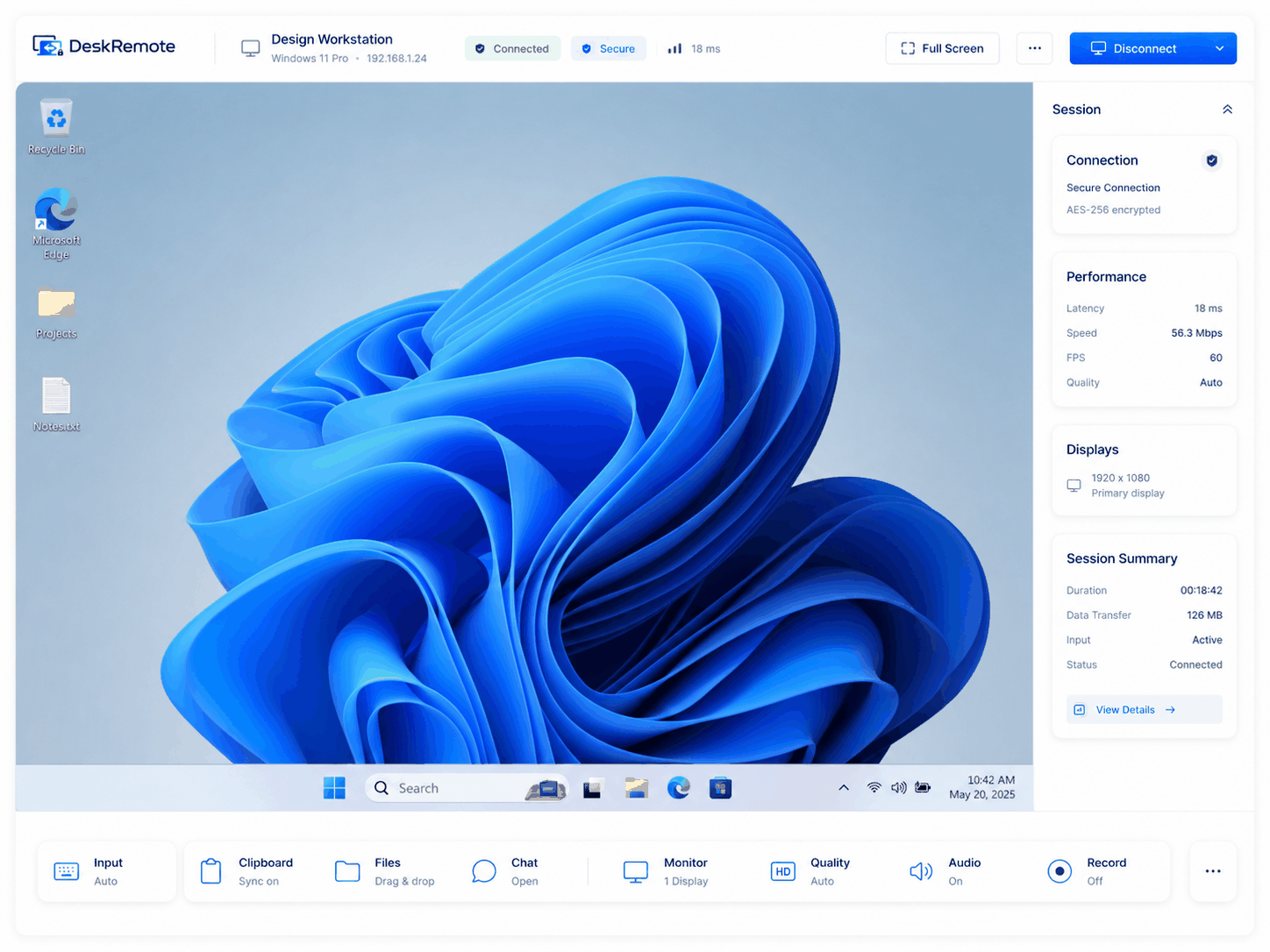
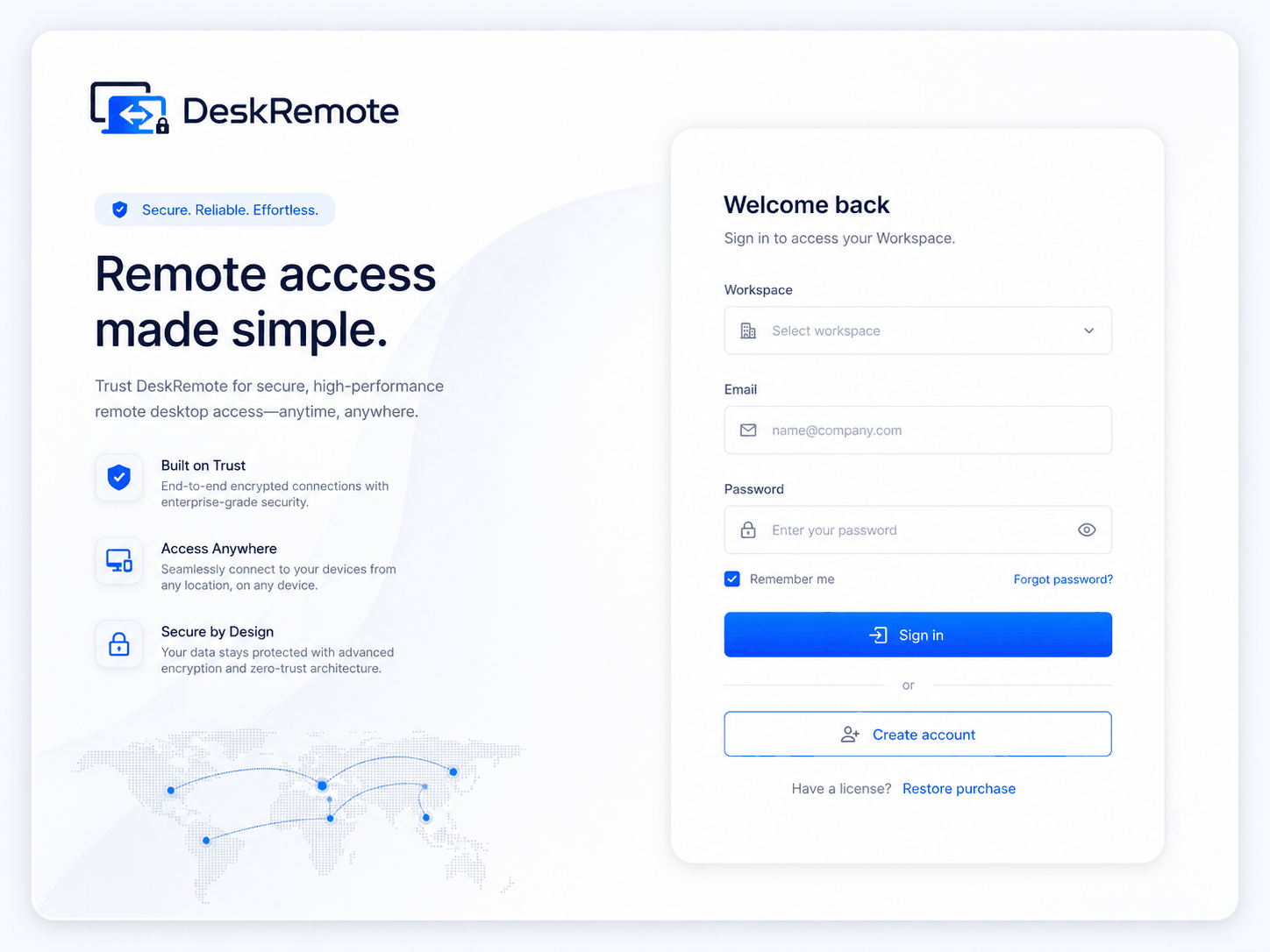
Product evidence產品證據

Real interfaces are provided for merchant review. Claims remain blocked until matching runtime evidence exists.提供真實介面供金流審核;沒有對應 Runtime 證據前,不宣稱功能已完成。

DeskRemote sign-in
Sign-in登入
Connect hub
Connect hub連線中心
Device list
Devices裝置
Remote session viewer
Remote session遠端工作階段

Frequently asked questions常見問題

Is DeskRemote free?DeskRemote 免費嗎?

Yes — and Free is a complete product, not a demo. It covers 3 personal devices and 1 concurrent session with E2EE, direct-first P2P, multi-monitor, resumable and folder file transfer, image and file clipboard, two-way audio, switch sides, recording, privacy screen, Wake-on-LAN and remote reboot, for personal, non-commercial use. Pro is a paid subscription for one individual owner that adds commercial-use rights, scale, high-fidelity codecs and business workflow.是的——而且 Free 是完整產品,不是試用版。含 3 台個人裝置、1 條同時連線,具備 E2EE、直連優先 P2P、多螢幕、可續傳與整資料夾檔案傳輸、圖片與檔案剪貼簿、雙向音訊、切換控制端、錄影、隱私畫面、Wake-on-LAN 與遠端重新開機,限個人非商業用途;Pro 為單一擁有者的付費訂閱,額外提供商業使用權、規模、高保真編碼與商務工作流程。

How do I buy the Windows paid edition?如何購買 Windows 付費版本?

Two channels are planned to feed the same account entitlement: the Microsoft Store listing (once its launch gates pass) and an online subscription hosted by a third-party payment processor (once merchant and checkout gates pass). The Pricing page always shows the current, truthful availability.兩條通道最終匯入同一帳號權益:Microsoft Store 商店頁(其上線 Gate 通過後)與由第三方金流服務商代管的線上訂閱(商家與結帳 Gate 通過後)。方案頁隨時顯示目前真實的開放狀態。

Can the person at the remote desk see the session?被連線端看得到工作階段嗎?

Yes. Active sessions are visible on the host with a local stop control, and unattended desktop access requires explicit local opt-in first. There is no covert mode.看得到。Host 端會顯示進行中的工作階段並提供本機中止控制;無人值守存取必須先在本機明確啟用,不存在隱蔽模式。

Which platforms are supported?支援哪些平台?

Windows, macOS, and Linux desktops install the integrated Host + Viewer. iOS, Android, and the browser Viewer connect out as Viewer-only companions.Windows、macOS、Linux 桌面安裝整合式 Host+Viewer;iOS、Android 與瀏覽器 Viewer 僅作為 Viewer 連出。

How do renewals, cancellation, and refunds work?續訂、取消與退款如何處理?

The channel you bought from owns the money flow: Microsoft Store manages Store purchases; the third-party payment processor manages online subscriptions (cancel anytime, effective at period end). See the Refunds and Cancellation pages for the full policy.由購買通道負責金流:商店購買由 Microsoft Store 管理;線上訂閱由第三方金流服務商管理(可隨時取消,於當期結束生效)。完整政策見退款與取消頁。

Legal seller / operator:法定販售/營運: Alison Tech Studio · TW · [email protected] · Terms條款 · Privacy隱私 · Refunds退款 · Acceptable use合理使用